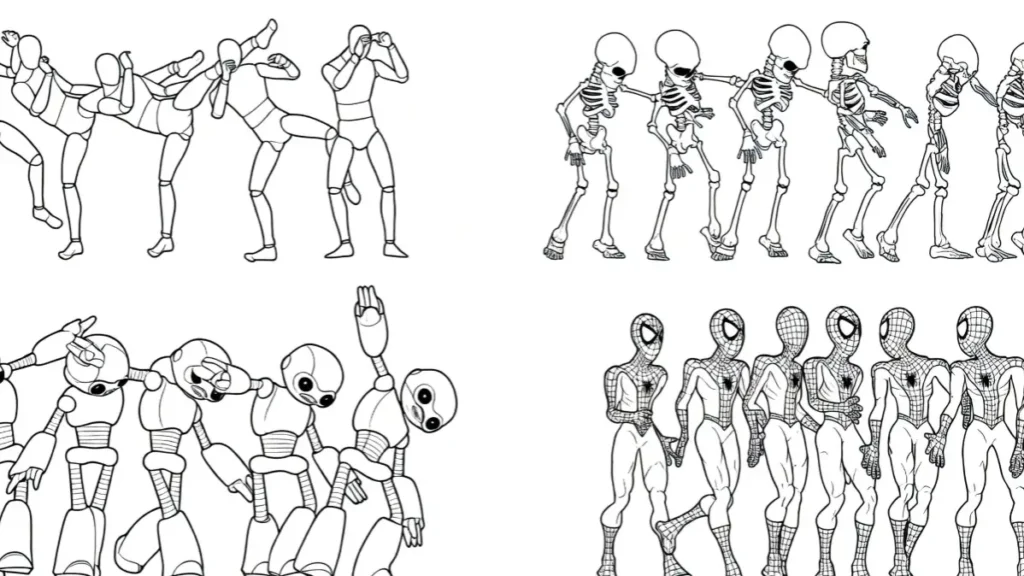
The Death of Video Credit Systems in 2026
Like me most video creators in 2026 face a clear choice between paying recurring fees for limited generations and owning the full creative process through local open-source alternatives.
The heavy reliance on cloud-based credit systems has created bottlenecks for consistent production.
Many professionals now turn to open-source video models that run directly on personal hardware, eliminating monthly limits and subscription fatigue.
This shift delivers full control over data, output ownership, and customization without ongoing costs after initial setup.
The following sections examine the strongest open-source options available, their real capabilities compared to closed models like Kling, and practical ways to implement them.
Top Open Source Alternatives to Kling in 2026 – Comparison Table
| Model | Developer | Parameters | Max Resolution | Max Duration | Key Strengths | Audio Support | Best For | Min VRAM (Recommended) | License |
|---|---|---|---|---|---|---|---|---|---|
| Wan2.2 | Alibaba | 5B – 27B (MoE) | 720p (1080p in some variants) | 5–10 seconds | MoE Architecture, Complex motion, Efficiency, Strong generalization | Limited / Basic | General video, Fast generation, Research | 12–24 GB | Apache 2.0 |
| LTX-2 | Lightricks | 19B | Native 4K | Up to 10–20 seconds | Native 4K + 50 FPS, Best audiovisual sync | Excellent (Native synchronized audio) | Professional production, Cinematic, Audio-heavy content | 16–24 GB+ | Open Weights |
| HunyuanVideo 1.5 | Tencent | 8.3B | 720p–1080p | 5–10 seconds | Lightweight, High efficiency, Strong motion coherence | Basic | Consumer GPUs, Balanced quality & speed | 12–14 GB | Open Source |
| SkyReels V1 | Skywork AI | ~8–14B (based on Hunyuan) | 720p–1080p | 5–10 seconds | Best Human-centric motion, Facial expressions, Cinematic quality | Moderate | Short dramas, Human-focused videos, Storytelling | 12–16 GB | Open Source |
| Mochi 1 | Genmo | ~10B | 480p–720p | 5–8 seconds | Excellent prompt adherence, High-fidelity motion, Easy fine-tuning | Basic | Creative experimentation, Custom styles, Fine-tuning | 12–16 GB | Apache 2.0 |
Quick Summary (Key Takeaways)
- Best Overall Quality — LTX-2 (especially if you need 4K + native audio)
- Best Efficiency / Consumer Hardware — HunyuanVideo 1.5 (lightest high-quality model)
- Best for Complex Motion — Wan2.2 (MoE architecture advantage)
- Best for Human Characters & Drama — SkyReels V1
- Best for Customization — Mochi 1
Commercial Limits vs. Local Sovereign Computing
Cloud platforms impose strict daily or monthly generation caps that disrupt workflows. High-resolution or complex prompts quickly exhaust credits, forcing users to pause projects or upgrade plans.
Local open-source models remove these barriers entirely. Once downloaded, creators generate unlimited videos based only on available hardware.
This approach provides complete data sovereignty. No external servers process sensitive client footage or branded assets.
Outputs remain private, and models support unlimited fine-tuning for specific styles or domains.
The transition from credit-dependent tools to local setups has accelerated because hardware has improved and quantization techniques now make powerful models runnable on consumer-grade GPUs.
Open-Source Evolution: Matching Studio Realism on Personal Workstations
Early open-source video models struggled with motion coherence and detail quality. In 2026, several options have narrowed or closed the gap with commercial leaders.
Advances in architecture, training data, and inference optimization allow mid-range workstations to produce results that previously required enterprise GPU clusters.
These tools now handle complex camera movements, consistent characters, and detailed environments without constant cloud dependency.
2. Core Evaluation: True Open Source vs. Free Cloud Platforms
Understanding Open Weights, Local Codebases, and Licensing Safeguards
True open-source video models provide publicly available weights, training code, and inference scripts. Users can inspect, modify, and run everything locally.
This transparency allows custom modifications for niche needs, such as industry-specific styles or performance tweaks. Licensing like Apache 2.0 grants broad commercial usage rights while protecting contributors.
Why Web-Based “Free Trials” Don’t Count as Open-Source Software
Many platforms advertise free access but keep core model weights closed. Users cannot download, modify, or run generations offline.
These services function as hosted demos rather than genuine open-source tools. They often include usage tracking, content restrictions, and sudden policy changes.
Real open-source alternatives give full offline capability and permanent access without login requirements.
3. The 2026 Frontier Leaders: Top Open-Source Video Models
Wan2.2 (Alibaba): The First Open-Source Video Mixture-of-Experts (MoE) Architecture
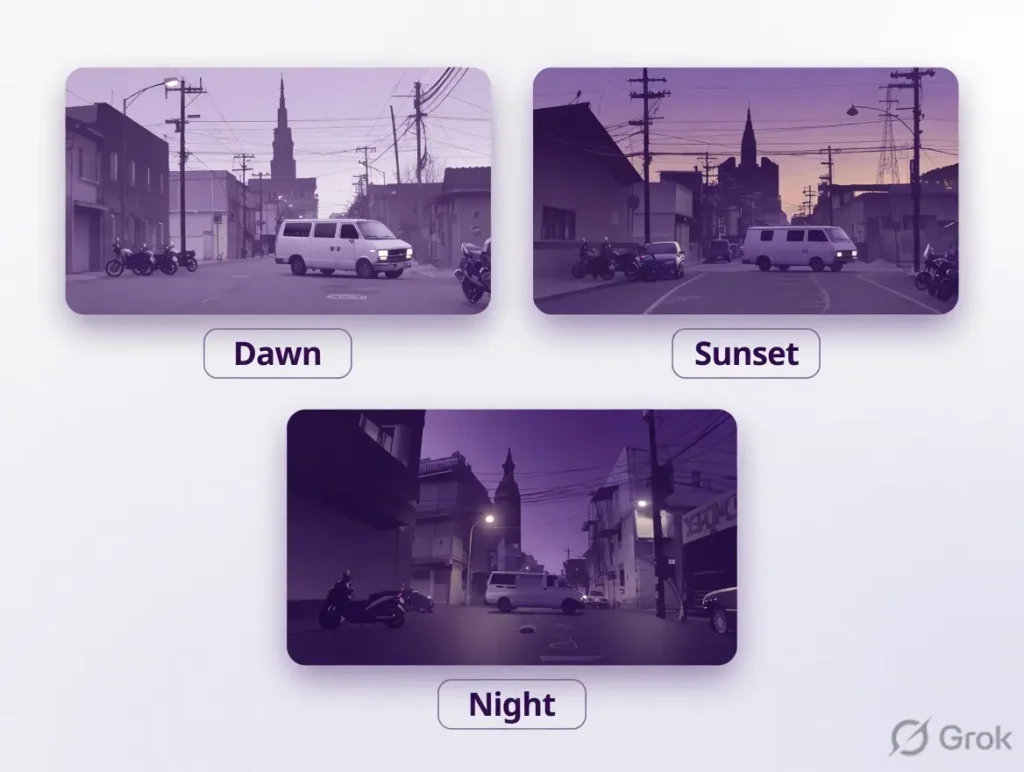
Wan2.2 stands out as one of the most technically advanced open video models.
Its Mixture-of-Experts design activates specialized sub-networks for different aspects of video generation, improving efficiency and quality.
The model handles text-to-video, image-to-video, and video extension tasks with strong temporal consistency.
Key strengths include detailed background rendering and natural object interactions. Community implementations show reliable performance for 5-10 second clips at 720p-1080p on consumer hardware.
Regular updates from the open community continue to refine control mechanisms and prompt adherence.
LTX-2 (Lightricks): Native 4K Synthesis with Synchronized Audiovisual Output
LTX-2 focuses on high-resolution output combined with native audio generation.
It produces synchronized video and sound in a single pass, reducing the need for separate editing steps.
The model supports detailed 4K synthesis while maintaining coherent motion across frames.
Creators working on product demonstrations, explainer videos, or short films benefit from its strong visual fidelity and lip synchronization capabilities. The architecture balances quality with inference speed, making longer sequences more practical on local setups.
HunyuanVideo 1.5 (Tencent): High-Fidelity Diffusion Transformers for Consumer GPUs
HunyuanVideo 1.5 leverages diffusion transformer technology optimized for mid-range GPUs. It delivers high-fidelity results with excellent prompt following and scene composition.
The model performs well across various styles, from realistic footage to stylized animation.
Its optimization for consumer hardware allows effective 1080p generation on GPUs with 12-24GB VRAM.
Strong performance in character consistency and environmental details makes it suitable for storytelling and marketing content.
SkyReels V1 (Skywork AI): Cinematic Camera Control and Realism
SkyReels V1 emphasizes cinematic qualities with advanced camera movement controls. Users can specify complex shots, angles, and transitions through detailed prompts.
The model generates realistic lighting, depth of field effects, and natural motion that align with professional filmmaking standards.
This makes SkyReels particularly valuable for narrative-driven content and high-production-value social media videos.
Its attention to compositional rules helps produce outputs that feel directed rather than randomly generated.
Mochi 1 (Genmo): The King of Custom Data Fine-Tuning
Mochi 1 excels in customization through efficient fine-tuning capabilities. Users can train the model on personal datasets to develop unique visual styles or consistent characters.
The architecture supports smaller fine-tunes that run effectively on standard hardware.
This flexibility benefits creators building branded content or series with recurring elements. The model’s community tools simplify the fine-tuning process, lowering the barrier for personalized video generation.
4. The Mechanics of Video Mixture-of-Experts (MoE)
High-Noise vs. Low-Noise Experts: How Open Weights Separate Layout and Detail
Mixture-of-Experts architectures divide processing between different specialized components.
High-noise experts handle overall scene layout and major motion patterns, while low-noise experts refine fine details like textures and subtle movements.
This separation allows efficient computation by activating only relevant experts for each frame or segment.
Open weights enable developers to inspect and improve these expert allocations, leading to continuous performance gains through community contributions.
Retaining Quality While Cutting Computational Requirements in Half
MoE designs significantly reduce active parameters during inference compared to dense models. This efficiency translates to faster generation times and lower VRAM usage without major quality drops.
Techniques like expert pruning and dynamic routing further optimize resource consumption, allowing complex video generation on hardware that previously could only handle images.
5. Bypassing Silence with Synchronized Audio-Video Models
Multi-Modal Codecs: Generating Expressive Soundscapes and Dialogue Simultaneously
Advanced open models now incorporate multi-modal training that generates both visual frames and corresponding audio.
These systems analyze prompt context to create appropriate sound effects, background music, and dialogue that match on-screen action.
The integration creates more complete outputs ready for immediate use.
Eliminating Post-Production: One-Step Cinematic Scene Creation
Combined audiovisual generation removes many traditional editing steps. Creators specify scene elements, characters, actions, and desired audio in one prompt.
The model produces a cohesive clip with matching visuals and sound, streamlining workflows for rapid content production or prototyping.
6. Hardware Optimization: Running Video Models on Low VRAM (8GB – 12GB)
Leveraging NVFP8 Quantization to Downsize Local System Requirements
Quantization techniques like NVFP8 reduce model precision in a way that maintains visual quality while dramatically lowering memory needs.
Many 2026 open-source video models offer quantized variants that run effectively on 8GB to 12GB VRAM cards. These versions enable viable performance on laptops and entry-level desktop GPUs.
How Lightweight Sub-Variants Generate 5-Second Previews on Mid-Range Laptops
Developers release distilled or pruned versions optimized for quick iterations.
These lightweight models generate short preview clips rapidly, allowing users to test ideas before committing to full-resolution renders on more powerful hardware.
This workflow supports efficient creative exploration without expensive equipment.
7. Step-by-Step Local Deployment Guide
Setting Up ComfyUI and Integrating Advanced Video Nodes
ComfyUI serves as the most popular interface for running open video models locally.
Installation begins with downloading the latest version from its official repository and setting up the required Python environment.
Users then install video-specific custom nodes through the manager interface. These nodes handle frame interpolation, control nets, and multi-model workflows.
Utilizing Hugging Face or GitHub Repositories for Model Weight Storage
Most models are available through Hugging Face Hub. After installing necessary libraries like Diffusers or ComfyUI extensions, users download weights using simple commands or the web interface.
Organizing models in dedicated folders and creating workflow templates speeds up repeated use. Regular community updates provide improved versions and bug fixes.
Additional optimization steps include setting up automatic quantization during loading and configuring batch processing for multiple generations.
Documentation in each repository typically includes hardware-specific recommendations and example workflows.
8. Commercial Licensing and Copyright Safety
Apache 2.0 vs. Tiered Commercial Licensing Rules
Apache 2.0 licensing offers broad flexibility for both personal and commercial projects with minimal restrictions.
Some models use custom licenses that allow free non-commercial use while requiring separate agreements for revenue-generating applications.
Understanding these distinctions helps users select appropriate models for their specific needs.
Using Models Trained Exclusively on Fully Licensed Datasets
Several leading open models emphasize training on properly licensed data to reduce legal risks.
This approach provides greater safety for commercial deployment compared to models with uncertain training sources.
Documentation often details dataset curation practices, giving users confidence in output ownership and usage rights.
9. Frequently Asked Questions (FAQs) About Open Source Video AI
Which open-source video model is best for beginners in 2026?
Mochi 1 and HunyuanVideo 1.5 offer good starting points due to their strong community support, available ComfyUI workflows, and relatively lower hardware requirements for decent results.
Can these open-source models truly compete with Kling in quality?
Several models like Wan2.2 and LTX-2 match or approach Kling in specific areas such as motion coherence and prompt adherence, especially when fine-tuned. Results vary by use case and hardware optimization.
What minimum hardware is needed to run these models locally?
Most models work on GPUs with 12GB+ VRAM for usable speeds. Quantized versions can run on 8GB cards for shorter clips, while 24GB+ enables higher resolutions and faster generation.
Are open-source video models safe for commercial use?
Models under Apache 2.0 or similar permissive licenses generally allow commercial usage. Always check the specific repository license and training data documentation for each model.
How long does it take to generate a 5-second video locally?
Generation times range from 30 seconds to several minutes depending on model, resolution, hardware, and settings. Preview modes and quantized versions provide faster iteration.
Is fine-tuning these models difficult for individual creators?
Modern tools and LoRA techniques have simplified fine-tuning. Many repositories provide step-by-step guides and example datasets, making customization accessible with moderate technical skills.
This comprehensive guide covers the current state of open-source video generation in 2026.
The field continues to evolve rapidly through community contributions, making local AI video creation increasingly practical and powerful for creators at all levels.