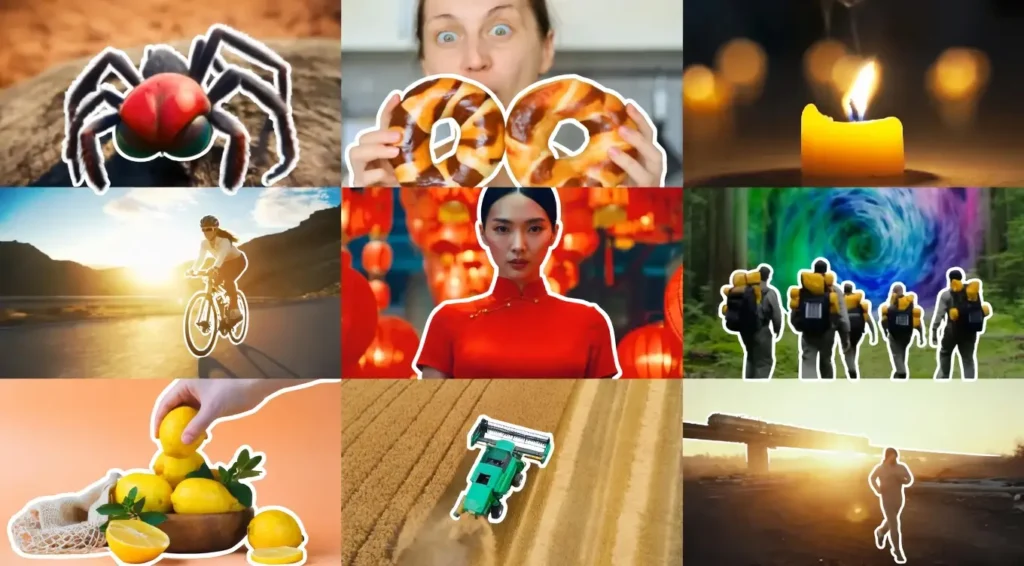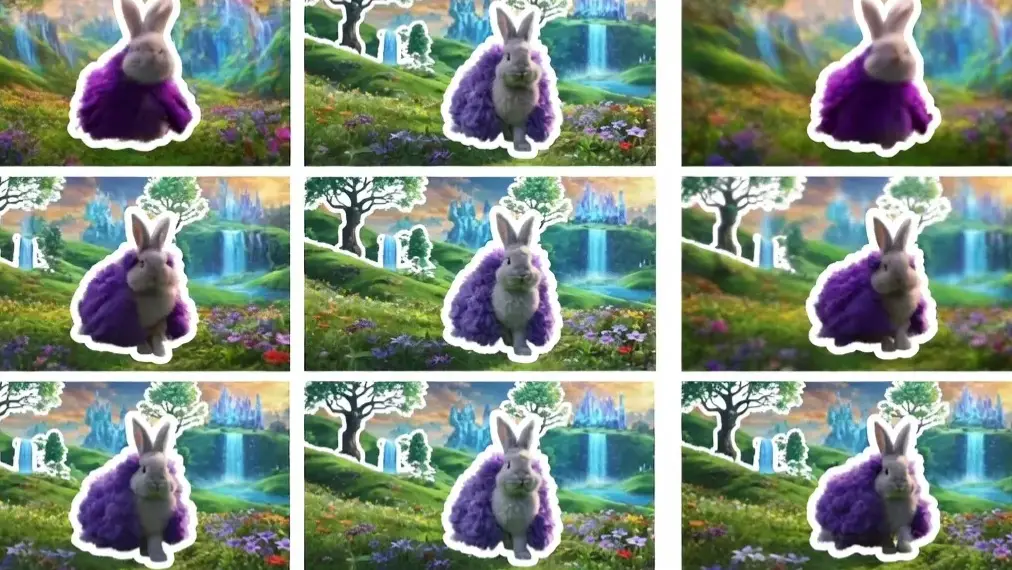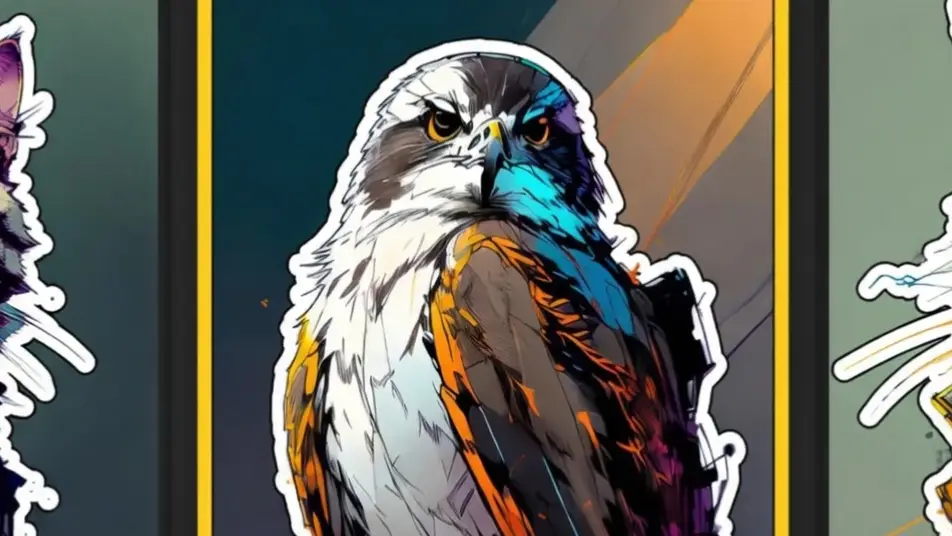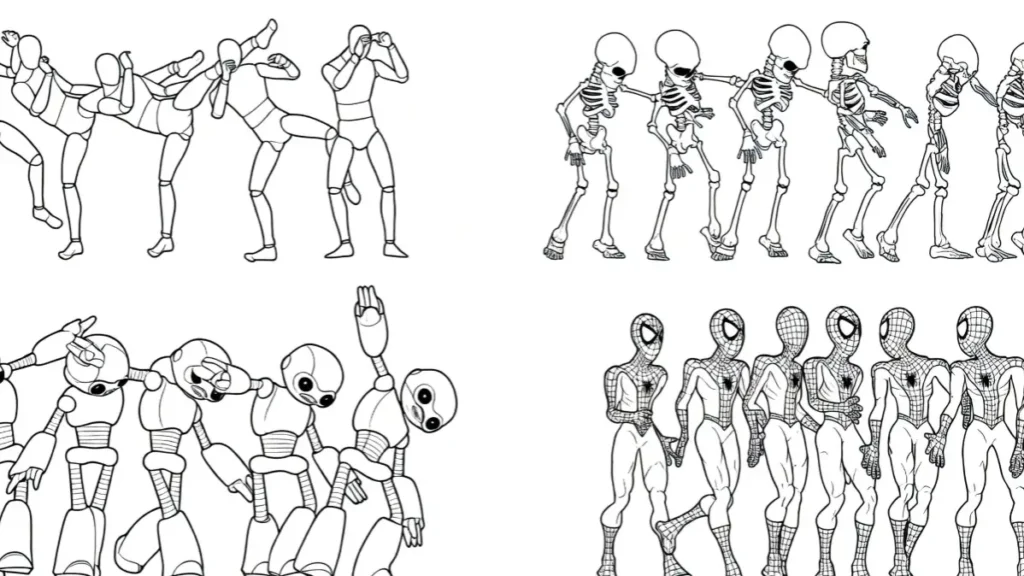
ToonCrafter AI is an open-source AI tool that converts real videos and images into smooth, high-quality cartoon animations.
It specializes in turning live-action footage into anime-style or cartoon-style videos while preserving motion, expressions, and character consistency.
Top benefit of ToonCrafter AI
The biggest advantage is its excellent character consistency and smooth motion transfer. It keeps faces, body proportions, and expressions stable across frames, which is a common weakness in other cartoon animation tools.
VRAM requirements
ToonCrafter AI is fully open-source.
- 720p generation: 10-12 GB VRAM
- Recommended for good quality 1080p: 16-20 GB VRAM
- Lower-end GPUs with 8 GB can run it at reduced resolution but with slower speeds.
Best ToonCrafter AI Features
- Strong character consistency
Faces and body shapes stay recognizable throughout the video, even during fast movements or camera changes. - Smooth motion transfer
It accurately converts real-life movements into cartoon style without jittery or broken animations. - Multiple art styles
Supports anime, Western cartoon, Pixar-like, and custom styles through reference images. - Image-to-video and video-to-video
Works with both single images and full video clips as input. - Local and free usage
Run everything on your own computer with no daily limits or watermarks.
Pros
- Very good face and character consistency
- Natural and smooth cartoon motion
- Supports multiple animation styles
- Completely free and open-source
- Works locally with no subscription needed
Cons
- High VRAM usage for decent quality
- Limited to shorter clips (usually 5-8 seconds)
- Setup requires technical knowledge
- No built-in audio generation
- Can struggle with very complex multi-character scenes
ToonCrafter vs alternatives
| Feature | ToonCrafter AI | Kling AI 2.6 | Runway Gen-3 | Luma Dream Machine |
|---|---|---|---|---|
| Open-source & Local | Yes | No | No | No |
| Character Consistency | Very Good | Good | Average | Good |
| Motion Smoothness | Strong | Excellent | Very Good | Good |
| Cartoon / Anime Styles | Excellent | Good | Average | Good |
| Cost | Free | Freemium | Paid | Paid |
| VRAM Needed | 10-20 GB | Cloud only | Cloud only | Cloud only |
Quick pics
- A real person walking in the street turned into beautiful anime style with smooth steps and flowing clothes
- A dog running in a park converted to Pixar-like cartoon with natural bouncy movement
- A dancer performing turned into vibrant Western cartoon style while keeping perfect rhythm
My experience with ToonCrafter AI
tested ToonCrafter AI for several days by converting both short clips and single images into different cartoon styles. The character consistency surprised me the most. Faces stayed recognizable even during fast head turns.
Motion felt much smoother than most other open cartoon tools I have tried. Installation took some time, but once running locally the freedom to generate as many animations as I wanted was very satisfying.
It still has room to grow with longer clips and more complex scenes, but for turning real footage into clean cartoons it already delivers strong results.
Rating
Character consistency: 9.0
Motion smoothness: 8.7
Style variety: 8.5
Ease of setup: 6.2
Value (free): 10
Final thoughts
ToonCrafter AI is currently one of the best free open-source video tool for turning real videos into high-quality cartoons.
Its strength in keeping characters consistent while delivering smooth animation makes it very useful for creators who want to experiment with anime or cartoon styles without paying for cloud services.
If you have a decent GPU and do not mind a technical setup, ToonCrafter AI is worth trying right now.
FAQs
Is ToonCrafter AI completely free?
Yes. The model is fully open-source and you can run unlimited generations locally at no cost.
What GPU do I need for ToonCrafter AI?
At least 10 GB VRAM for basic use. 16-20 GB is recommended for good 1080p quality.
Can ToonCrafter AI generate long videos?
Currently it works best with 5-8 second clips. Longer videos need to be processed in segments.
Does ToonCrafter AI add sound?
No, it generates silent video only.
Is ToonCrafter AI easy to install?
It requires some technical steps through GitHub. Beginners may need to follow detailed guides.
What styles can ToonCrafter AI create?
It supports anime, Western cartoon, Pixar-style, and custom styles using reference images.
Can I use ToonCrafter AI commercially?
Yes, the open-source license generally allows commercial use, but always check the specific license terms.
Where can I download ToonCrafter AI?
The official code and weights are available on the Genmo or ToonCrafter GitHub repository and Hugging Face.
About The Author