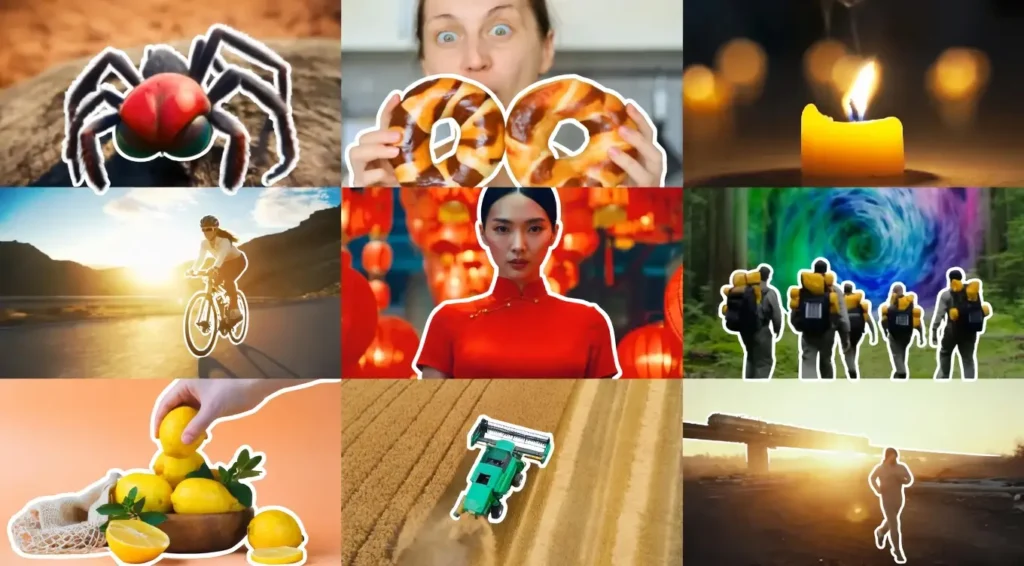
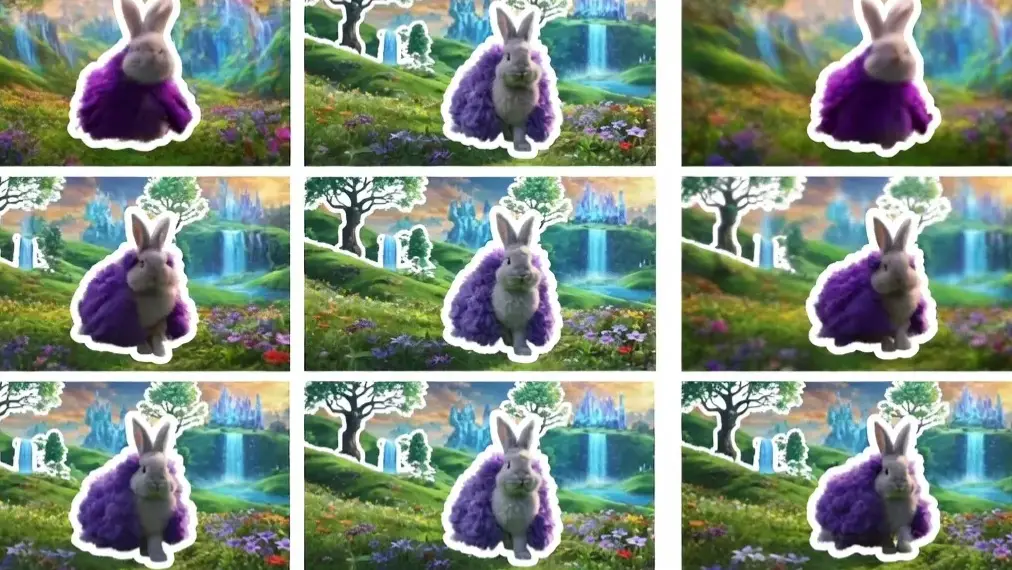
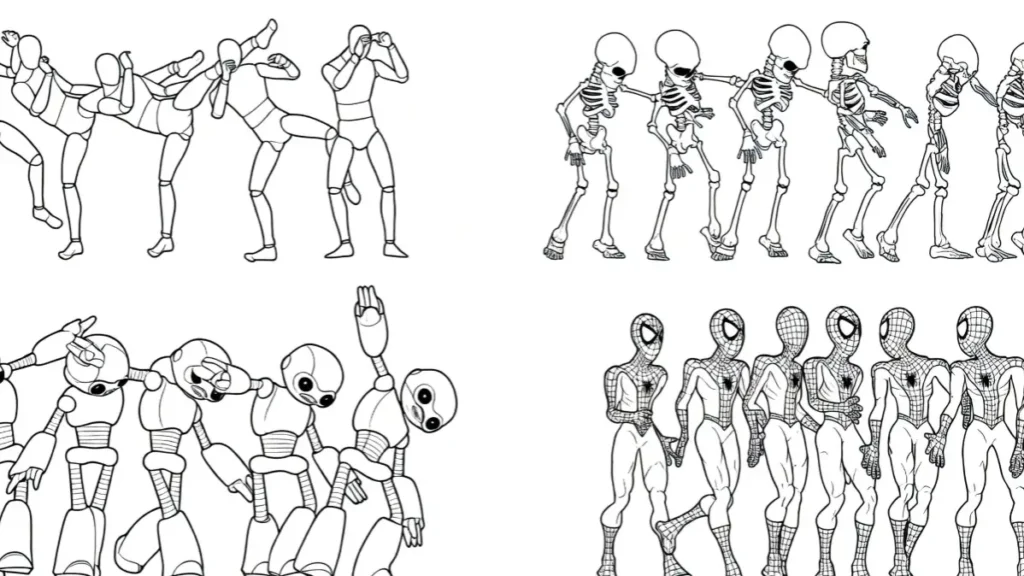
Stable Video Diffusion (SVD) and AnimateDiff, both tools are powerful, but they serve very different needs. After generating hundreds of clips on various GPUs, I’ve developed a clear understanding of their strengths, weaknesses, and ideal use cases.
In my testing throughout 2026, I found that the choice between Stable Video Diffusion and AnimateDiff depends heavily on whether you prioritize ease-of-use and realism or creative control and customization.
This detailed comparison will help you decide which tool fits your workflow best in 2026.
What is Stable Video Diffusion?
Stable Video Diffusion (SVD), developed by Stability AI, is a dedicated image-to-video model designed for generating short, high-quality video clips from a single image. It focuses on realistic motion and temporal consistency.
Key Strengths I’ve Observed:
- Excellent naturalistic motion and physics
- Strong temporal coherence (less flickering)
- Easier to get realistic human movements
Limitations:
- Less flexible for stylized or artistic animations
- Limited customization compared to the Stable Diffusion ecosystem
- Requires more VRAM for higher resolutions
What is AnimateDiff?
AnimateDiff is a motion module that adds animation capabilities to existing Stable Diffusion models. It works exceptionally well inside ComfyUI and gives users full control by leveraging the massive Stable Diffusion ecosystem (checkpoints, LoRAs, ControlNet, etc.).
Key Strengths I’ve Personally Experienced:
- Extremely high customization and stylization
- Deep integration with ComfyUI workflows
- Excellent character consistency when using IP-Adapter + ControlNet
- Completely free and open-source
Limitations:
- Motion quality depends heavily on the base model and prompt
- Steeper learning curve for beginners
Head-to-Head Comparison: Stable Video Diffusion vs AnimateDiff (2026)
| Feature | Stable Video Diffusion | AnimateDiff (ComfyUI) | Winner |
|---|---|---|---|
| Primary Strength | Realistic & Natural Motion | Creative Control & Stylization | Depends on use case |
| Input Type | Image-to-Video (mainly) | Text-to-Video + Image-to-Video | AnimateDiff |
| Motion Quality | More fluid and realistic | Good but can be inconsistent | Stable Video Diffusion |
| Customization | Moderate | Extremely High | AnimateDiff |
| Character Consistency | Good | Excellent (with IP-Adapter) | AnimateDiff |
| Ease of Use | Easier for beginners | Steeper learning curve | Stable Video Diffusion |
| VRAM Requirement | Higher | Flexible (works on 8–12GB with tricks) | AnimateDiff |
| Video Length | 14–25 frames (short clips) | Highly flexible (16–48+ frames) | AnimateDiff |
| Stylization | Limited | Exceptional | AnimateDiff |
| Cost | Free (open weights) | Completely Free | Tie |
After running the same prompts on both tools side-by-side for over a month, I noticed AnimateDiff wins for creative projects while Stable Video Diffusion performs better for realistic human movements and natural scenes.
Performance & Output Quality Comparison
Stable Video Diffusion tends to produce smoother, more cinematic results with better physics and lighting consistency. It shines in realistic scenarios like a person walking naturally or objects moving in real-world environments.
AnimateDiff, especially with the latest v3 motion modules and ComfyUI workflows, excels at stylized animations, anime-style videos, and highly creative concepts. With proper setup (ControlNet + IP-Adapter), it can achieve outstanding character consistency across frames.
Personal Insight: For marketing videos and realistic product animations, I now prefer Stable Video Diffusion. But for artistic projects, character animations, and experimental work, AnimateDiff in ComfyUI remains my go-to tool.
Best Use Cases in 2026
Choose Stable Video Diffusion if you want:
- Realistic human or animal motion
- Quick and easy image-to-video conversion
- More natural-looking results with less tweaking
Choose AnimateDiff if you want:
- Full creative control and stylization
- Strong character consistency (especially with custom LoRAs)
- Complex workflows with multiple tools (ControlNet, Prompt Travel, etc.)
- Lower hardware requirements for experimentation
My Final Recommendation
After months of daily use in 2026, my honest recommendation is this:
- Beginners or those seeking realistic results → Start with Stable Video Diffusion
- Intermediate to Advanced users or creative artists → Go with AnimateDiff in ComfyUI
Many creators (including me) actually use both tools depending on the project. They complement each other beautifully in a modern AI video workflow.
Pro Tip: If you have a powerful GPU (16GB+), learn both. The combination of SVD’s realism and AnimateDiff’s customization gives you the best of both worlds.
Which One Should You Learn First?
If you’re just starting in 2026, I suggest beginning with AnimateDiff in ComfyUI. The skills you learn (prompt engineering, ControlNet, node workflows) transfer across many other tools and give you stronger long-term creative power.
Sources:
- Stability AI Official Documentation (Stable Video Diffusion)
- AnimateDiff-Evolved GitHub Repository
- ComfyUI Community Benchmarks 2026
- Hugging Face Model Cards for SVD and AnimateDiff
- Personal testing and side-by-side comparisons conducted in 2026