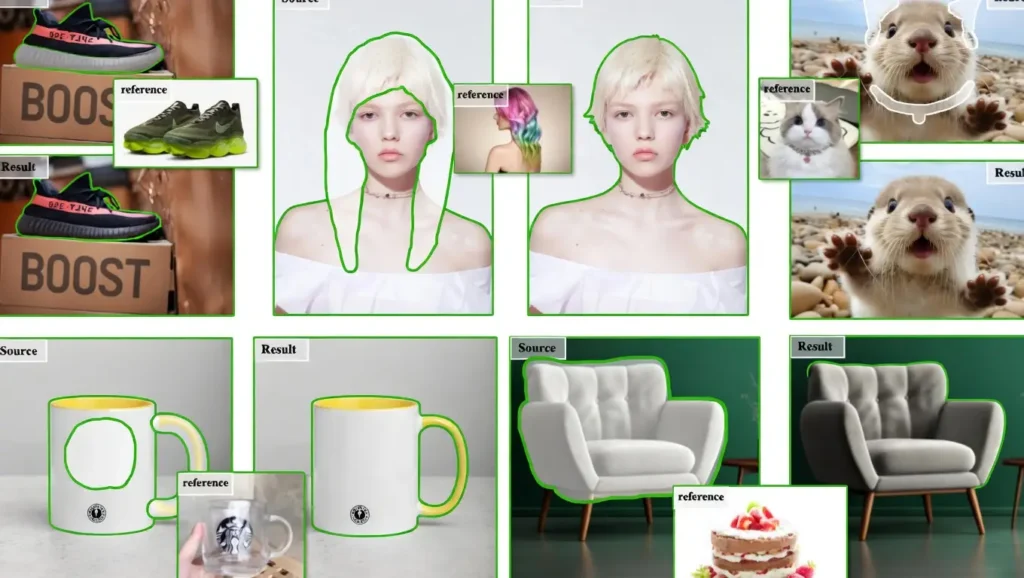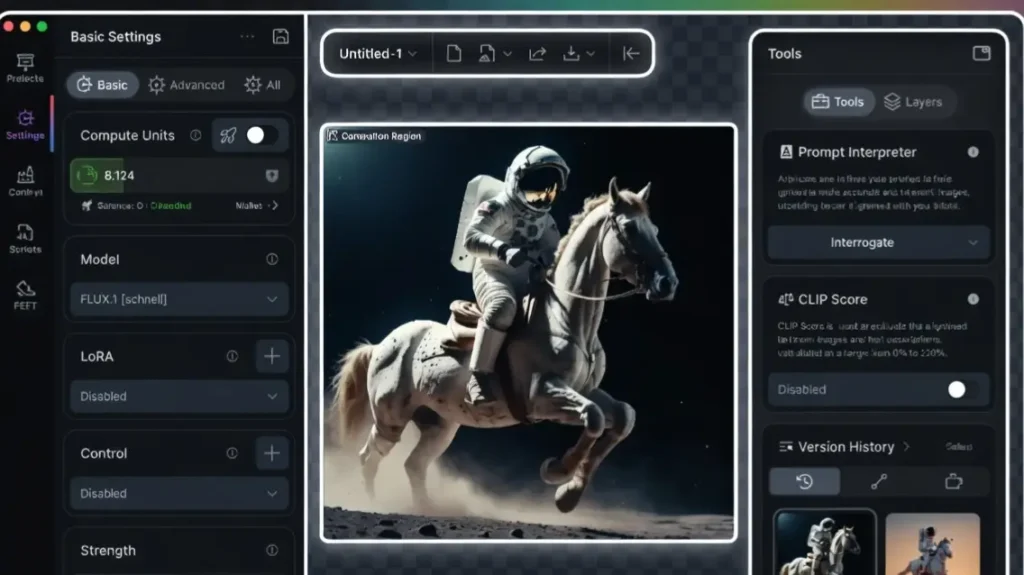
Omost AI is an open-source AI tool developed by lllyasviel that turns simple text prompts into precise, well-composed images by generating detailed layout plans first.
Instead of directly creating an image like most tools, Omost builds a structured “canvas” with bounding boxes for each object, ensuring better control over composition, positioning, and relationships between elements.
Top benefit of Omost AI
The biggest advantage is its exceptional layout control. You get clean, logical compositions with objects placed exactly where you want them, which is very hard to achieve with standard text-to-image models.
VRAM requirements
Omost AI is fully open-source.
- Base model inference: 8-10 GB VRAM (works on RTX 3060 and above)
- Recommended for comfortable use: 12-16 GB VRAM
- Higher resolutions and complex layouts perform best with 24 GB cards like RTX 4090.
Omost AI Features
- Layout Planning System
Omost first creates a detailed spatial plan with bounding boxes for every element before generating the final image. This results in much better object placement and composition. - Precise Object Control
You can specify exact positions, sizes, and relationships between multiple subjects in one prompt. - Multi-Object Composition
Handles complex scenes with many elements while keeping them logically arranged and non-overlapping. - Style and Detail Control
Supports strong stylistic guidance while maintaining accurate layout from your description. - Open-Source Flexibility
Full code and model weights are available on GitHub, allowing local running and custom modifications.
Pros
- Outstanding control over image composition and object placement
- Much better multi-subject scenes than standard diffusion models
- Completely free and open-source with local installation
- Clear logical layouts even with complicated prompts
- Lightweight enough to run on mid-range GPUs
Cons
- Generation is slower than direct text-to-image models because it plans first
- Requires technical setup (GitHub clone and dependencies)
- Output quality depends heavily on how well you describe the layout
- Still limited to static images (no video support)
- Less artistic creativity compared to pure generative models
Omost AI vs Alternatives
| Feature | Omost AI | Stable Diffusion | Midjourney | Flux.1 |
|---|---|---|---|---|
| Layout Control | Excellent | Average | Good | Good |
| Multi-Object Accuracy | Very High | Medium | High | High |
| Open Source & Local | Yes | Yes | No | Yes |
| Speed | Medium | Fast | Very Fast | Fast |
| Cost | Free | Free | Paid | Free / Paid API |
| Ease of Use | Technical | Medium | Very Easy | Easy |
Quick pics
- A cozy coffee shop interior with perfectly placed customers, barista, and furniture
- A cyberpunk street scene with accurate neon signs, pedestrians, and flying cars in logical positions
- A fantasy library with bookshelves, floating candles, and a wizard reading at a desk
My experience with Omost AI
I spent a week testing Omost AI on various complex prompts. The layout planning step really makes a difference.
Scenes with multiple characters and objects came out far more organized than what I usually get from regular models. Setup took some time, but once running locally the control it gives is addictive.
It is not the fastest tool, but the precision in composition makes it worth the wait for structured images.
Rating
- Layout Control: 9.4
- Multi-Object Accuracy: 9.1
- Visual Quality: 8.3
- Speed: 6.8
- Ease of Setup: 6.2
- Value (Free): 9.8
- Overall Score: 8.6
Final thoughts
Omost AI brings something genuinely new to open-source image generation by focusing on smart layout planning before creation.
If you often struggle with chaotic compositions or want better control over where objects appear, this tool is a big help. It is best suited for users who do not mind a technical setup and value precision over raw speed.
For structured illustrations, product visuals, or complex scenes, Omost AI is currently one of the strongest free options available.
FAQs
What is the main difference between Omost AI and normal text-to-image models?
Omost first creates a detailed spatial layout plan with bounding boxes, then generates the image. This gives much better object placement and composition.
Is Omost AI completely free?
Yes, it is fully open-source. You can download and run it locally at no cost.
What GPU do I need to run Omost AI?
8-10 GB VRAM is enough for basic use. 12-16 GB is recommended for comfortable workflow.
Can Omost AI generate video?
No, it currently only creates static images.
Is Omost AI easy for beginners?
It requires some technical knowledge to install and run from GitHub. It is better suited for users comfortable with local AI tools.
Does Omost AI support commercial use?
Yes, as it is open-source under a permissive license, commercial use is allowed.
How long does it take to generate one image?
Generation is slower than direct models because of the planning step. Expect 10-30 seconds per image depending on your GPU.
Where can I download Omost AI?
The official repository is available on GitHub at lllyasviel/Omost.