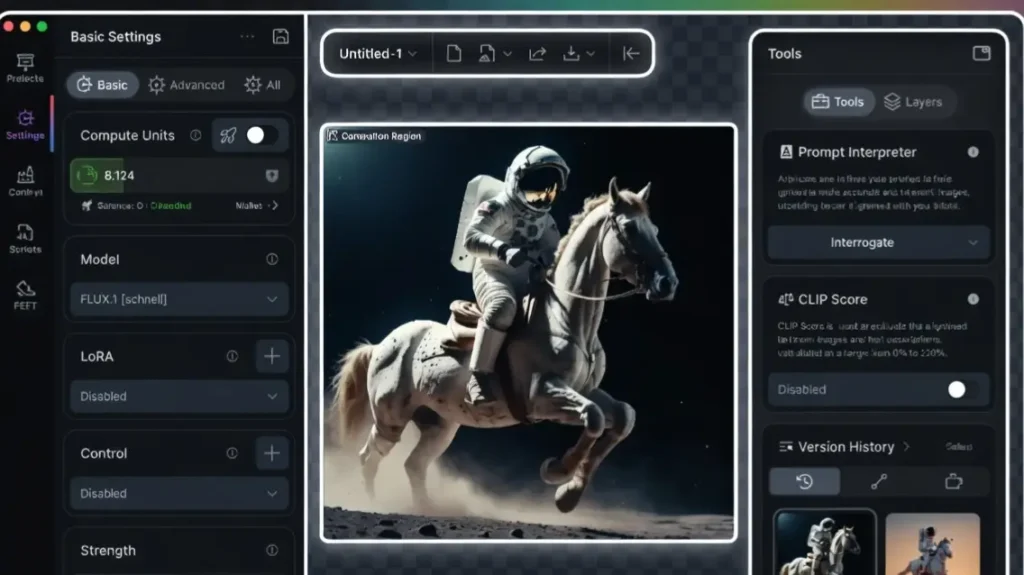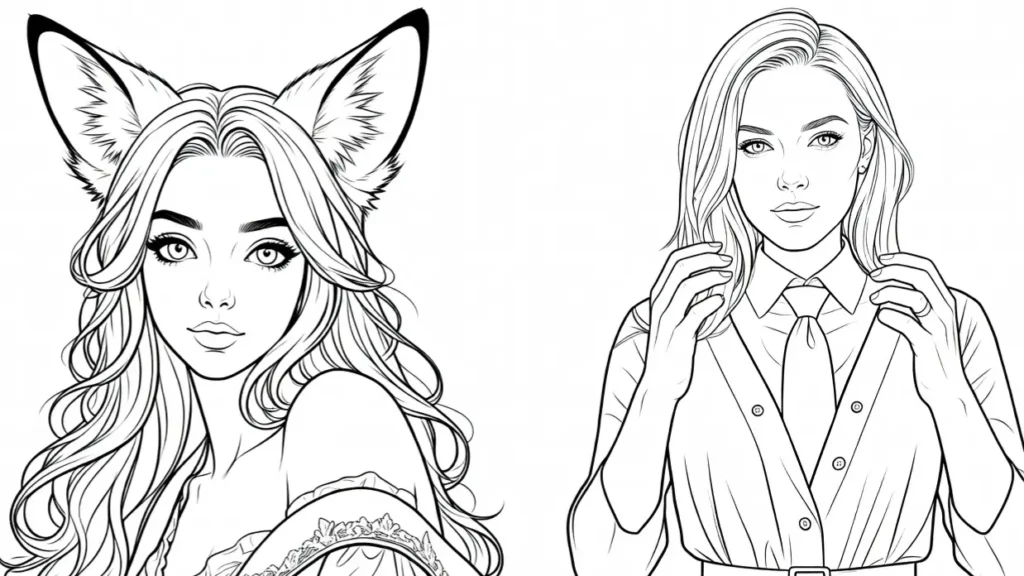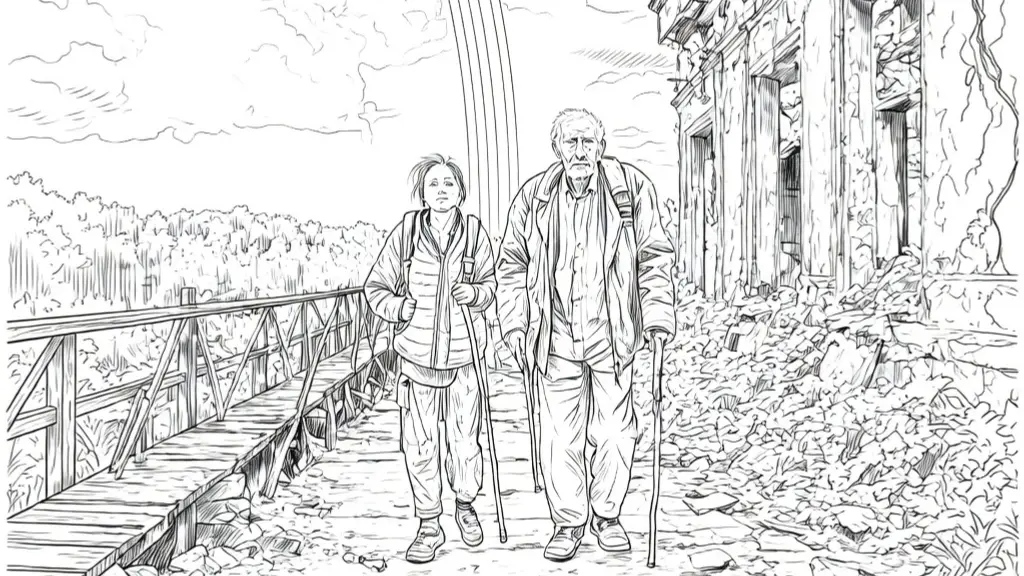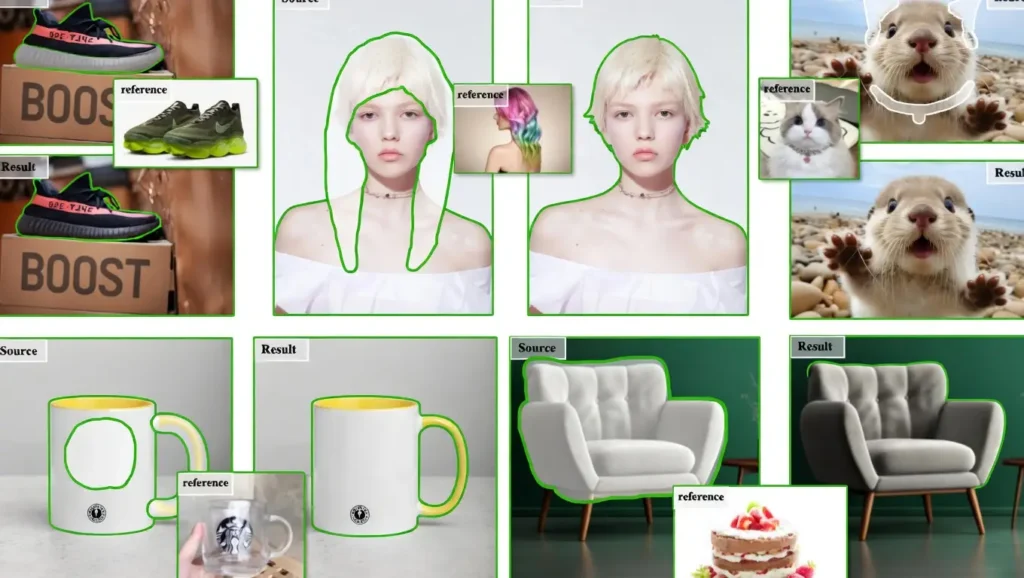
MimicBrush AI is an advanced AI image editing tool that lets you edit photos using simple text instructions.
Instead of complex masking or manual brushing, you describe what you want changed in natural language and the AI makes precise, realistic modifications while keeping the rest of the image untouched.
Top benefit of MimicBrush AI
The biggest advantage is how natural and precise the edits feel. You can change specific objects, styles, backgrounds, or expressions with just words, and the results blend seamlessly with the original photo.
MimicBrush AI Features
- Text-based image editing
Simply describe the change you want, such as “make the background a tropical beach” or “change her dress to red”, and the AI applies it accurately while preserving lighting and perspective. - Precise object modification
Target specific parts of an image like changing facial expressions, clothing, hairstyles, or adding/removing objects without affecting the rest of the photo. - Style transfer and enhancement
Convert photos into different artistic styles or improve image quality while keeping the original subject intact. - Seamless inpainting and outpainting
Fill in missing areas or extend the image borders naturally using text prompts. - Batch editing support
Apply consistent changes across multiple images quickly through the interface or API.
Pros
- Extremely intuitive text-based editing that feels magical
- High accuracy in preserving original image details and lighting
- Fast processing speed for most edits
- Works well on portraits, products, and scenic photos
- No need for Photoshop skills or complex selections
Cons
- Currently web-based with no full offline mode
- Free tier has daily generation limits
- Complex multi-object edits can sometimes produce artifacts
- Premium subscription required for heavy or commercial use
- Limited control compared to manual professional tools for pixel-perfect work
MimicBrush AI vs alternatives
| Feature | MimicBrush AI | Photoshop Generative Fill | Midjourney Inpainting | Leonardo AI |
|---|---|---|---|---|
| Editing method | Text instructions | Brush + text | Text + masking | Text + masking |
| Ease for beginners | Very high | Medium | Medium | High |
| Speed of single edit | Fast | Medium | Medium | Fast |
| Local / Offline | No | No (cloud optional) | No | No |
| Free tier limits | Daily limit | Limited credits | Limited | Daily limit |
| Best for | Quick natural edits | Professional control | Creative variations | Artistic styles |
Quick pics
- Changing a city street background to a beach sunset while keeping the person perfectly lit
- Turning a casual outfit into formal evening wear with realistic fabric details
- Removing unwanted people from a group photo and filling the space naturally
My experience with MimicBrush AI
I used MimicBrush AI for over a week on various portrait and product photos. The text-based editing felt surprisingly powerful and saved me hours compared to traditional tools. Simple changes worked almost perfectly on the first try.
More complex edits sometimes needed 2-3 attempts, but the results were still much faster than manual work. The seamless blending with original lighting was the part I liked most.
Rating
- Overall score: 8.3 / 10
- Text editing accuracy: 8.7
- Speed: 8.5
- Ease of use: 9.1
- Output quality: 8.0
- Value for money: 7.8
Final thoughts
MimicBrush AI makes advanced photo editing accessible to everyone through simple text commands.
While it still has some limitations in very complex scenes and requires a premium plan for heavy use, it delivers impressive results quickly.
For anyone who wants fast, natural-looking photo edits without learning professional software, MimicBrush AI is a strong and practical choice.
FAQs
What is MimicBrush AI mainly used for?
It is used for quick and realistic photo editing using natural language descriptions instead of manual tools.
Is MimicBrush AI free?
Yes, it has a free tier with daily limits. Premium subscription unlocks unlimited generations and higher quality.
Do I need Photoshop skills to use MimicBrush AI?
No. You only need to describe what you want in plain English.
Can MimicBrush AI remove objects from photos?
Yes, it handles object removal and background replacement very well.
Is MimicBrush AI good for commercial use?
Premium plan allows commercial use. Always check the latest license terms.
How fast are the edits?
Most simple edits complete in a few seconds. Complex changes may take 10-20 seconds.
Does MimicBrush AI work on mobile?
It works best on desktop browsers. Mobile support is limited but improving.
Can I edit multiple photos at once?
Yes, batch editing is supported in the premium version.